Overview
Seasons allow members to signup to weekly time slots before the season starts. This feature enables clubs to manage recurring events and collect payments in advance.
Create a new season
For help on creating a new season, visit the page Create a new season
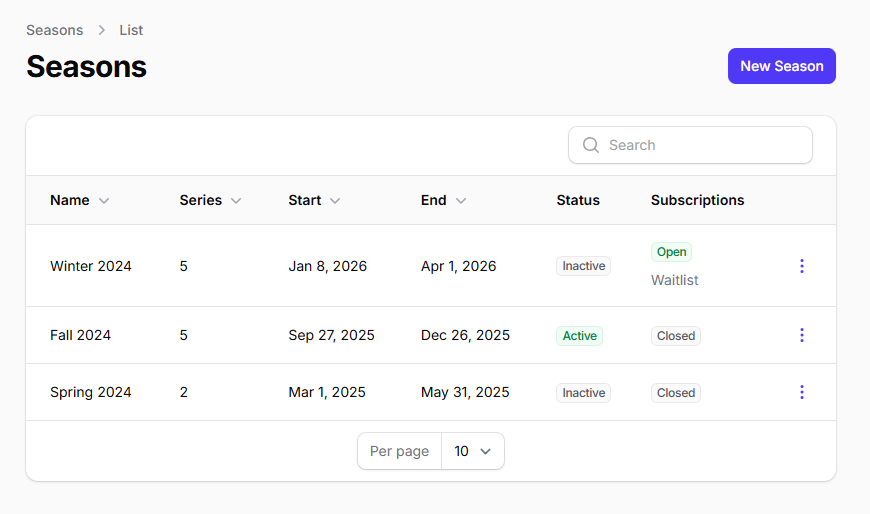
Introduction
Open Season Sign Ups
When a season signups are open, members cannot join individual events directly from the regular schedule. All signups for events within that season must be made through the Season Calendar. This is to ensure members commits to entire time slots for the season, rather than picking and choosing individual dates.
Season Calendar
To learn more about time slot selection workflows and registration types (First Come, First Serve vs Waitlist), see the Season Calendar page.
-
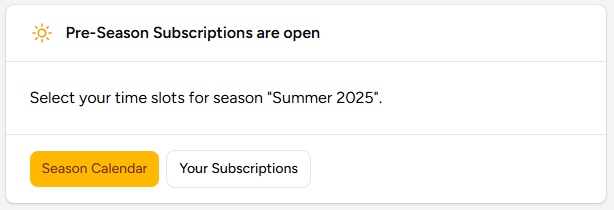
Action: Members must navigate to the Season Calendar.
-
Outcome: Signing up to a time slot from the Season Calendar subscribes the member to all events within that time slot for the entire season.
Closed Season Sign Ups
When season signups are closed for the active or upcoming season, members have more granular control over event participation, but with specific limitations.
-
Events a member already signed up for to via the Season Calendar: A member can freely join and withdraw from these individual events.
-
Events a member didn't signup for to via the Season Calendar: A member can only join these events if they are allowed to substitute (Drop-in).
Creating Seasons
To create a new season:
- Navigate to the Administration panel
- Go to the Seasons page
- Create a new season with the desired start and end dates
Create from previous season
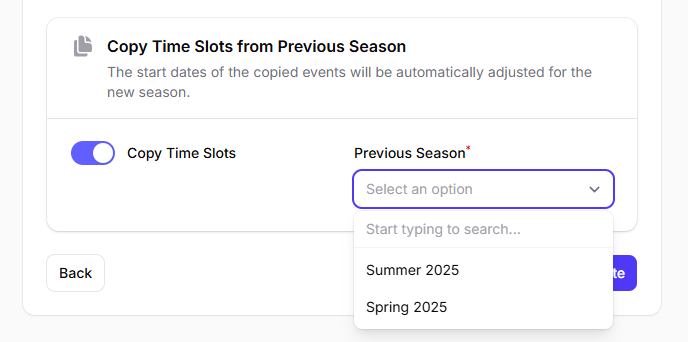
When creating a new season, you can copy time slots from a previous season to save time.
Assigning Time Slots to Seasons
Once you have created a season, you can assign time slots to it.
Time slot cost
From the season page, you can set the cost that members will have to pay to signup to each time slots.
Season Deals
From the season page, you can also create Season Deals. Season Deals are rebates that are automatically applied when a member selects specific combinations of time slots from the Season Calendar. This allows clubs to offer discounts or incentives for members who commit to certain time slots together.
Opening Season Sign Ups
To allow members to signup to the upcoming season time slots:
- Go to the Administration
- Navigate to the Seasons page
- Toggle on the "Sign Ups" option for the upcoming season
Once season signups are open, members will see a new section in their dashboard. See Season Calendar for more info.
Manually signup a member
Some members may not be able to use the platform to signup for time slots themselves. Administrators can manually register these members from the administration panel:
- Go to the Members page.
- Select the member from the table.
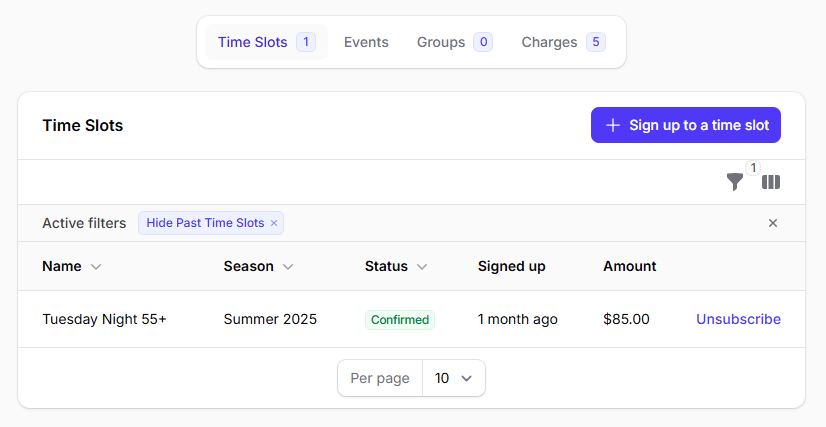
- Scroll to the bottom and open the Time Slots tab.
- Manually signup the member for the desired Time Slot.
Time slot cost
If there is a signup cost for the selected time slot, the member will be charged as if they had signed up through the pre-season calendar.