Groups
Groups allow for easier management of members.
Administrators can send messages to groups, assign groups to events or time slots, and so on.
Add members to groups
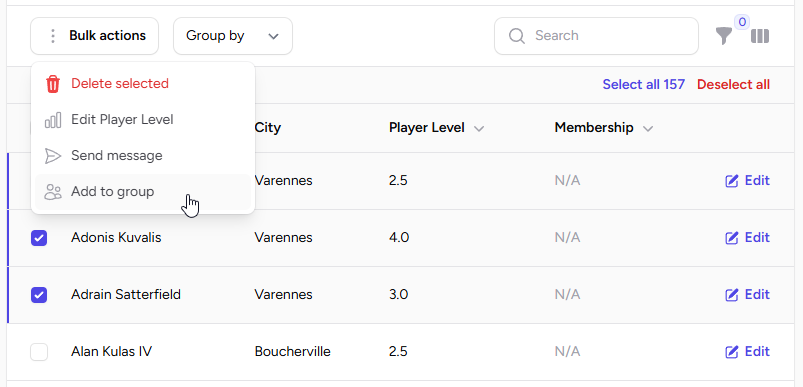
You can add members by selecting them, then from the Bulk Actions button, select "Add to group".
Group Usage
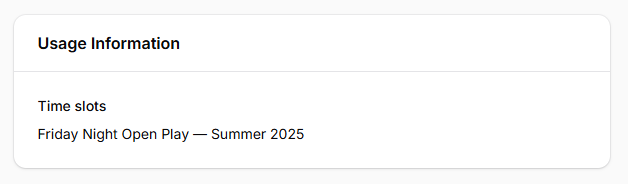
You can see where the group is being used from the group Edit page.